















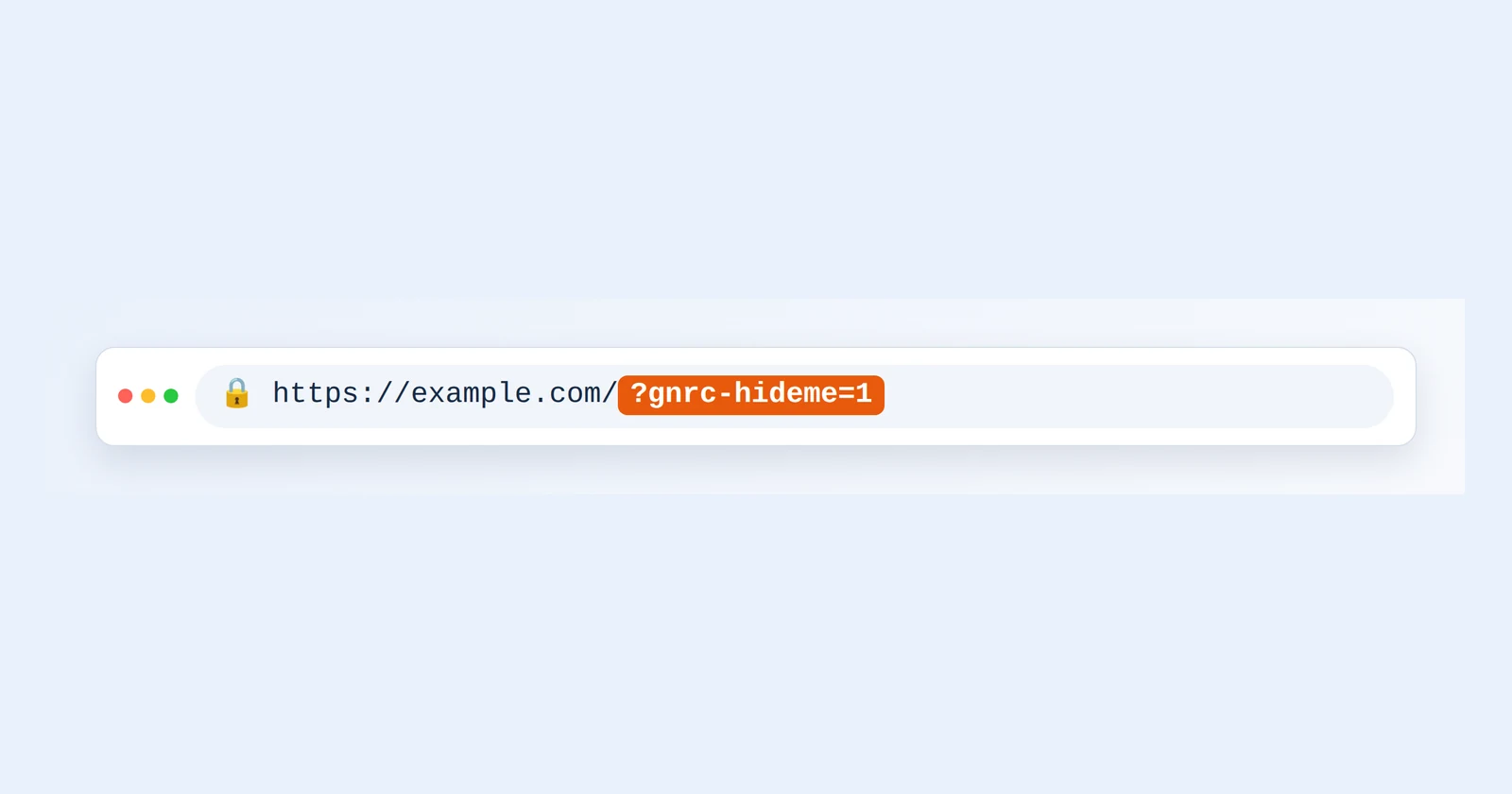
When you edit and test your own website, your visits look like real visitors: they raise your visitor and page view numbers and show up as online users. GNRCounter has a simple way to prevent this. Open any page that carries your counter code once with ?gnrc-hideme=1 added to the address, and that browser stops being counted. There is nothing to install and no settings page, and it works with every counter display.

Add ?gnrc-hideme=1 to the end of the address of a page that has your counter code.
Turn it on in four steps
- Open a tracked pageChoose any page of your website that has your counter code on it.
- Add the parameterType ?gnrc-hideme=1 at the end of the address and press Enter. If the address already contains a ?, use &gnrc-hideme=1 instead.
- Let the page loadThe counter code sees the parameter, stores a small cookie in your browser and skips counting this visit.
- Browse normallyFrom now on this browser is not counted on that domain, on any page, with or without the parameter.
Turn it off again
Open a tracked page with ?gnrc-hideme=0 at the end of the address. The cookie is removed and your visits are counted again. Do this when you want to test the counter itself.

gnrc-hideme at a glance
Why it is useful
What happens in your browser
The counter code stores a cookie named gnrc_hideme with the value 1. The picture shows how such a cookie looks in your browser’s developer tools.

- The cookie is called gnrc_hideme and has the value 1.
- It lasts two years, unless you remove it with ?gnrc-hideme=0 or clear your cookies.
- It is set for the address you opened without www, and it also applies to that address’s subdomains. Opened on example.com or www.example.com, it covers example.com and its subdomains.
- It uses the path /, SameSite=Lax and, on HTTPS sites, the Secure flag.
- While the cookie exists, or while the parameter is in the address, the counter does not send your visit to GNRCounter. The counter itself is still drawn on the page.
What it covers and what it does not
If your counter looks broken
- If your own visits never appear, you probably have the exclusion on. Open a page with ?gnrc-hideme=0 or test from another device.
- If a team member’s visits do not appear, ask whether they have used the parameter in their browser.
- To test the counter, switch the exclusion off, visit a page, then switch it on again.
Common questions
Do I need to be signed in anywhere?
No. The exclusion works in the browser alone. No account or dashboard setting is involved.
Is the page I open with the parameter counted?
No. The counter skips the visit as soon as it sees the parameter.
If I run several domains, do I need it on each?
Yes. The cookie belongs to the domain where you opened the page, so open the parameter once on each domain.
Can visitors trigger it by accident?
Only if they add the parameter to the address themselves. Normal visitors never see it.